What Are Cobblemon Addons?
Addons are extra mods, datapacks and resource packs that sit on top of the base Cobblemon mod and extend it. Unlike Cobblemon itself — which adds the core Pokémon experience to Minecraft — addons can add Mega Evolution, gym badge systems, new Pokémon spawn locations, cosmetic effects, extra structures and more.
Most addons come in two forms. Mods (.jar files) require a mod loader like Fabric or NeoForge and get installed in your mods folder. Datapacks are simpler — they drop into the world's datapack folder and don't need a mod loader. Both types work alongside the base Cobblemon mod without replacing it.
Top 10 Cobblemon Addons — Ranked
Filter by category to find what you need, or scroll through the full list ranked by overall quality and usefulness.
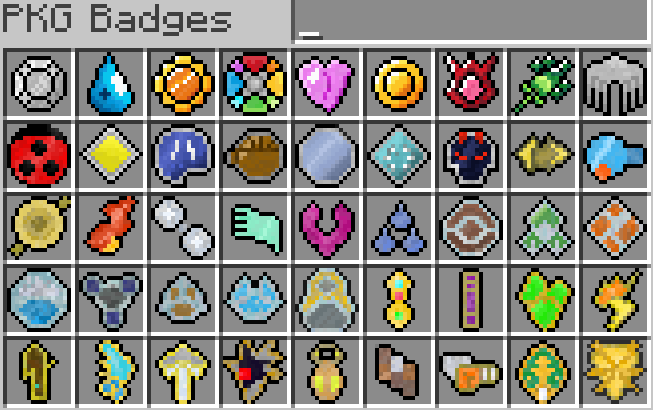
Adds gym badges and league trophies from Kanto, Johto, Hoenn and Sinnoh. When you defeat gym leaders on compatible servers these get added to your badge case. One of the most downloaded Cobblemon addons of all time — 2.5M downloads doesn't lie. Works across all regions and is the foundation that most competitive servers build their gym systems on top of.
- Supports all four classic regions — Kanto, Johto, Hoenn, Sinnoh
- Works with both Fabric and NeoForge setups
- Actively maintained alongside Cobblemon updates
- Required by most gym-focused servers
Technically a modpack rather than a single addon — but if you want the full Cobblemon experience in one install, COBBLEVERSE is it. All 1,025 Pokémon, all 93 Mega Evolutions, custom gyms, gym badges, starter kit, custom music and shaders — all pre-configured and ready to launch. 3.1M+ downloads makes it one of the most popular Cobblemon experiences on CurseForge.
- All 1,025 Pokémon including post-v1.7 additions via addons
- Full Mega Evolution system built in
- Custom gym structures with animated gym leaders
- Optimised for performance — shaders optional
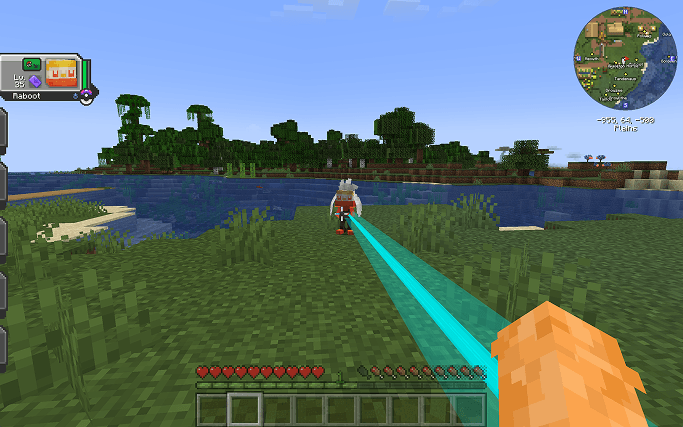
Changes the colour of your Pokéball's recall beam to match the ball type. Ultra Ball gets a yellow beam, Master Ball gets a purple beam, standard Pokéball gets red. Pure cosmetic, zero gameplay impact — but it's one of those small details that makes the experience feel noticeably more polished. Client-side only, so you can install it without server support.
- Client-side — works on any server, no server install needed
- Colour matches the actual Pokéball type automatically
- Zero performance impact
- Works seamlessly alongside all other addons
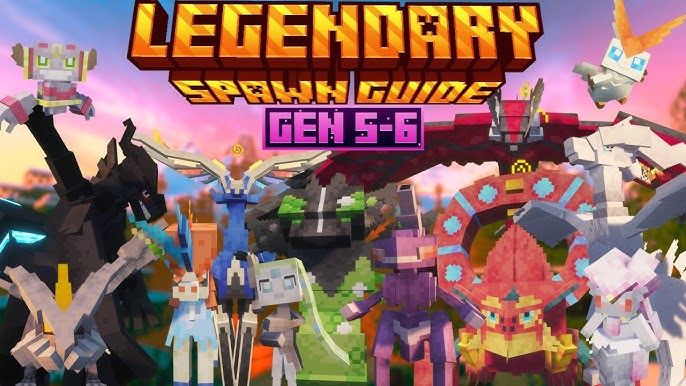
Allows legendary and mythical Pokémon to spawn naturally in the world at balanced rates. Vanilla Cobblemon has legendaries but they're either very rare or require server-specific systems to encounter. This datapack adds natural, balanced legendary spawns so you can actually find them through exploration without needing a specific server setup.
- Datapack — no mod loader required, easy to install
- Balanced spawn rates — rare but findable through exploration
- Works in singleplayer and multiplayer
- Compatible with most other spawn-modifying addons
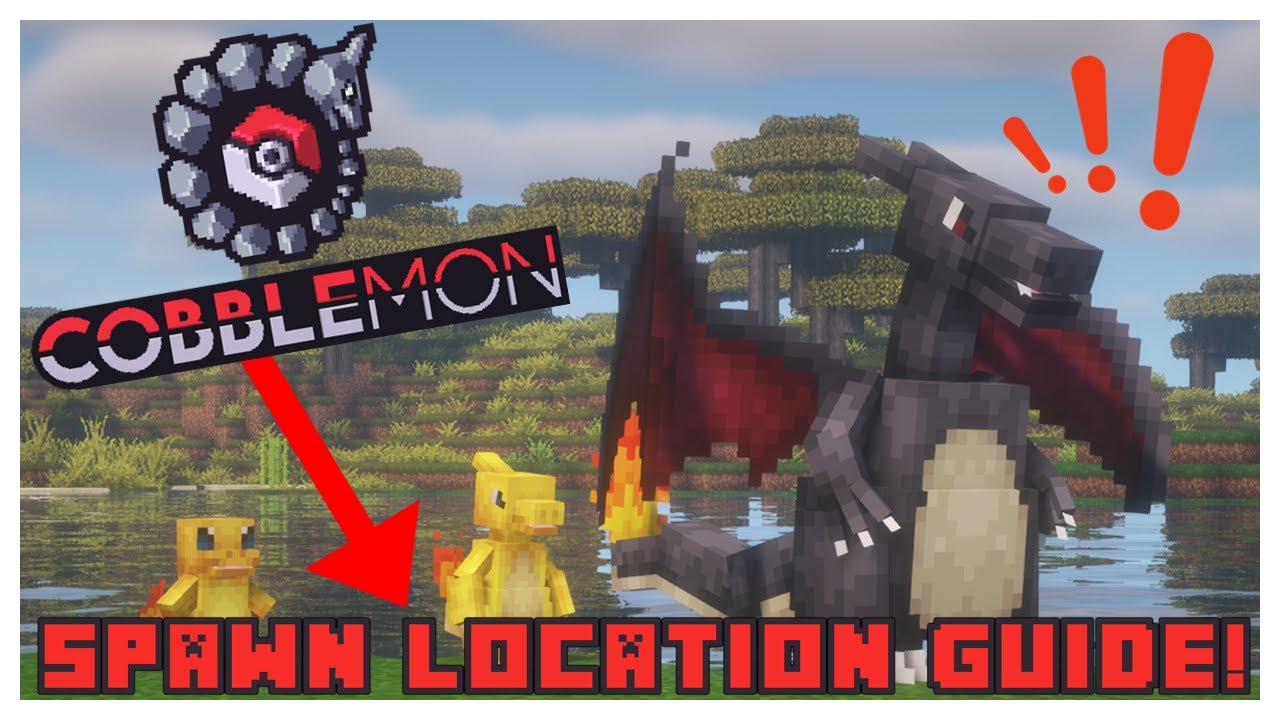
A universal spawn datapack that adds exhaustive biome compatibility — covering vanilla biomes plus all major biome mods like Terralith, Oh The Biomes You'll Go, and more. Also adds curated spawn presets for structures and underground areas. If you're running a custom biome mod alongside Cobblemon, this is essential — without it many biomes will have almost no Pokémon spawning.
- Covers all vanilla biomes plus major biome mod support
- Adds underground and structure-specific spawn presets
- 91K+ downloads — well tested and widely used
- Datapack — no mod loader needed
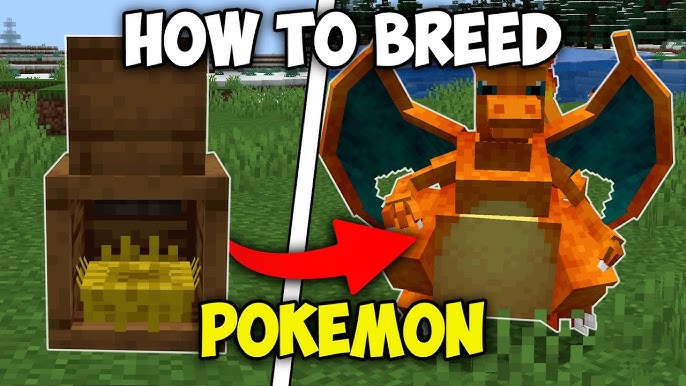
Adds Gold and Silver Bottlecaps to Cobblemon — items from the mainline Pokémon games that let you max out a Pokémon's IVs without breeding. A massive time saver for competitive players who don't want to breed for perfect stats but still want a competitive-ready team. Craftable in-game, no commands required.
- Adds both Gold Bottlecap (all IVs) and Silver Bottlecap (one IV)
- Craftable with in-game materials — no admin commands needed
- 138K+ downloads — one of the most popular QoL addons
- Works on servers and singleplayer equally
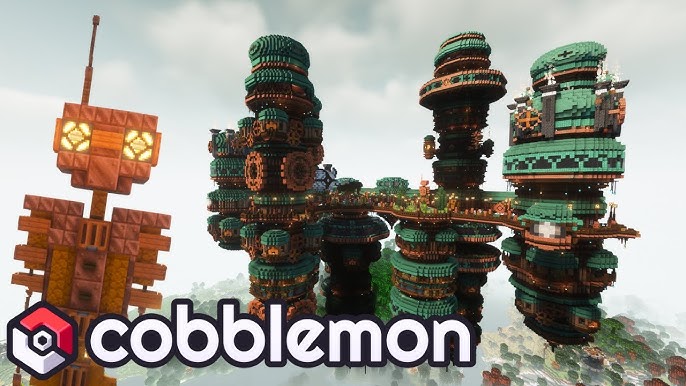
Adds towns and settlements to your Cobblemon world — think Pokémon-style villages with healers, PokéMarts and NPC trainers integrated naturally into Minecraft's terrain. Makes exploration feel like an actual Pokémon game rather than just Minecraft with Pokémon in it. Maintained for 1.21.1 and works with modern modpacks.
- Adds Pokémon-style towns to natural terrain generation
- Includes healers and PokéMart-style structures
- Datapack — easy install, no mod loader
- Maintained for Cobblemon 1.21.1
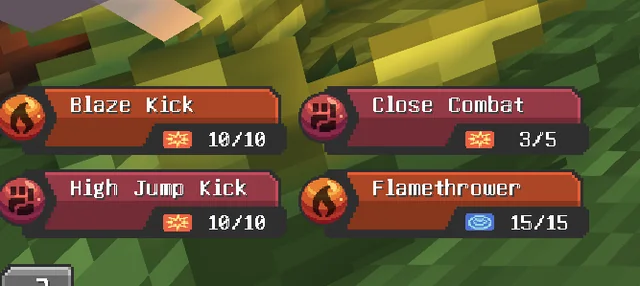
Adds a full TM (Technical Machine) system to Cobblemon. Craft or find TMs and use them to teach your Pokémon moves they couldn't learn through levelling. Essential for competitive team building — without a TM system your move options are severely limited to level-up moves only. Works seamlessly with the base breeding and IV systems.
- Full TM system covering all learnable TM moves
- TMs craftable and findable in loot chests
- Works with both Fabric and NeoForge
- Compatible with Cobblemon's existing move learning system
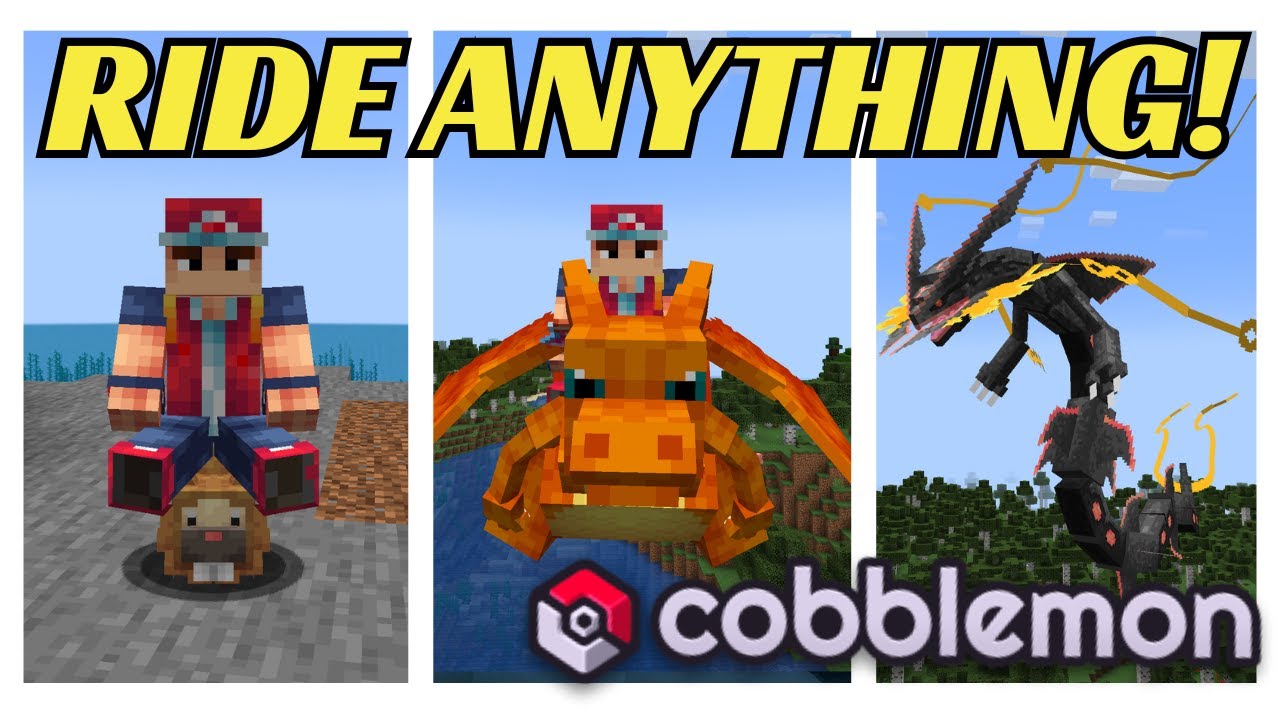
Unlocks the ability to ride all current Pokémon in Cobblemon — not just the ones with native ride support added in v1.7. Land, sea and sky travel via your Pokémon across the whole roster. Works alongside the native riding system added in v1.7 and extends it to every Pokémon in the mod. Essential if you want full ride coverage without waiting for official support.
- Enables riding for every Pokémon in the current roster
- Covers land, water and flying Pokémon movement types
- Datapack — no mod loader, simple install
- Complements the native v1.7 riding system
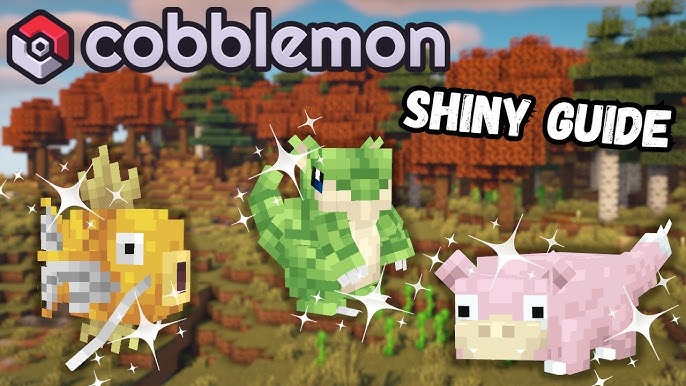
Adds special items that let you change a Pokémon's gender, shiny status and regional form. Handy for players who catch a Pokémon with perfect stats but the wrong gender or form — rather than re-breeding or re-catching, you can adjust these attributes directly. Small but genuinely useful for competitive players who've put serious time into a Pokémon.
- Change gender, shiny status and regional form in-game
- Items are craftable — no admin permissions needed
- Useful for competitive players with perfect-IV Pokémon
- Simple, focused addon with no bloat
Compatibility Quick Reference
All addons above are compatible with Cobblemon v1.7.1 on Minecraft 1.21.1. Here's a quick loader and format reference.
| Addon | Format | Fabric | NeoForge | Singleplayer |
|---|---|---|---|---|
| Cobblemon Gym Badges | Mod (.jar) | ✓ Yes | ✓ Yes | ✓ Yes |
| COBBLEVERSE | Modpack | ✓ Yes | ✗ No | ✓ Yes |
| Recall Beams | Mod (.jar) | ✓ Yes | ✗ No | ✓ Client-side |
| Legendary Encounters | Datapack | ✓ Both | ✓ Both | ✓ Yes |
| Biome Expanded Spawns | Datapack | ✓ Both | ✓ Both | ✓ Yes |
| Brendon's Bottlecaps | Mod (.jar) | ✓ Yes | ✓ Yes | ✓ Yes |
| CobblemonCityTowns | Datapack | ✓ Both | ✓ Both | ✓ Yes |
| SimpleTMs | Mod (.jar) | ✓ Yes | ✓ Yes | ✓ Yes |
| Ride On | Datapack | ✓ Both | ✓ Both | ✓ Yes |
| Cobblemon Changes | Mod (.jar) | ✗ No | ✓ Yes | ✓ Yes |
How to Install Cobblemon Addons
The install process depends on the addon format — mod (.jar) or datapack. Both are straightforward once you know the difference.
Installing Mods (.jar files)
Make sure you download the version that matches your mod loader (Fabric or NeoForge) and your Minecraft version (1.21.1).
Find your Minecraft instance folder — in Modrinth App, right-click your instance and choose "Open Folder". Place the .jar file in the mods subfolder alongside Cobblemon itself.
Start Minecraft. On the main menu, check the Mods list — the addon should appear alongside Cobblemon. If it doesn't, check that your loader version matches the addon requirements.
Installing Datapacks
Download the datapack file — it will be a .zip. Don't unzip it.
Navigate to your world save folder: .minecraft/saves/[world name]/datapacks/. Drop the .zip file directly in there.
Load into your world and run /reload in chat. The datapack will activate immediately. You should see a success message in chat confirming it loaded.