Modpacks vs Individual Mods — What's the Difference?
A modpack is a pre-built collection of mods bundled and configured together. Instead of manually downloading Cobblemon, Fabric, and a dozen addon mods and hoping they all work together, a modpack does all of that for you in one click.
The tradeoff is flexibility — modpacks are opinionated. They've made choices about which addons to include, what RAM to allocate, how the world generates. Most of the time those choices are good ones. But if you want total control over exactly what's in your game, building your own mod stack from the addons guide is the way to go.
Find Your Modpack — Quick Picker
Answer two questions and we'll tell you which modpack to download.
All Cobblemon Modpacks — Ranked
Filter by style to find what you need, or scroll through the full ranked list.
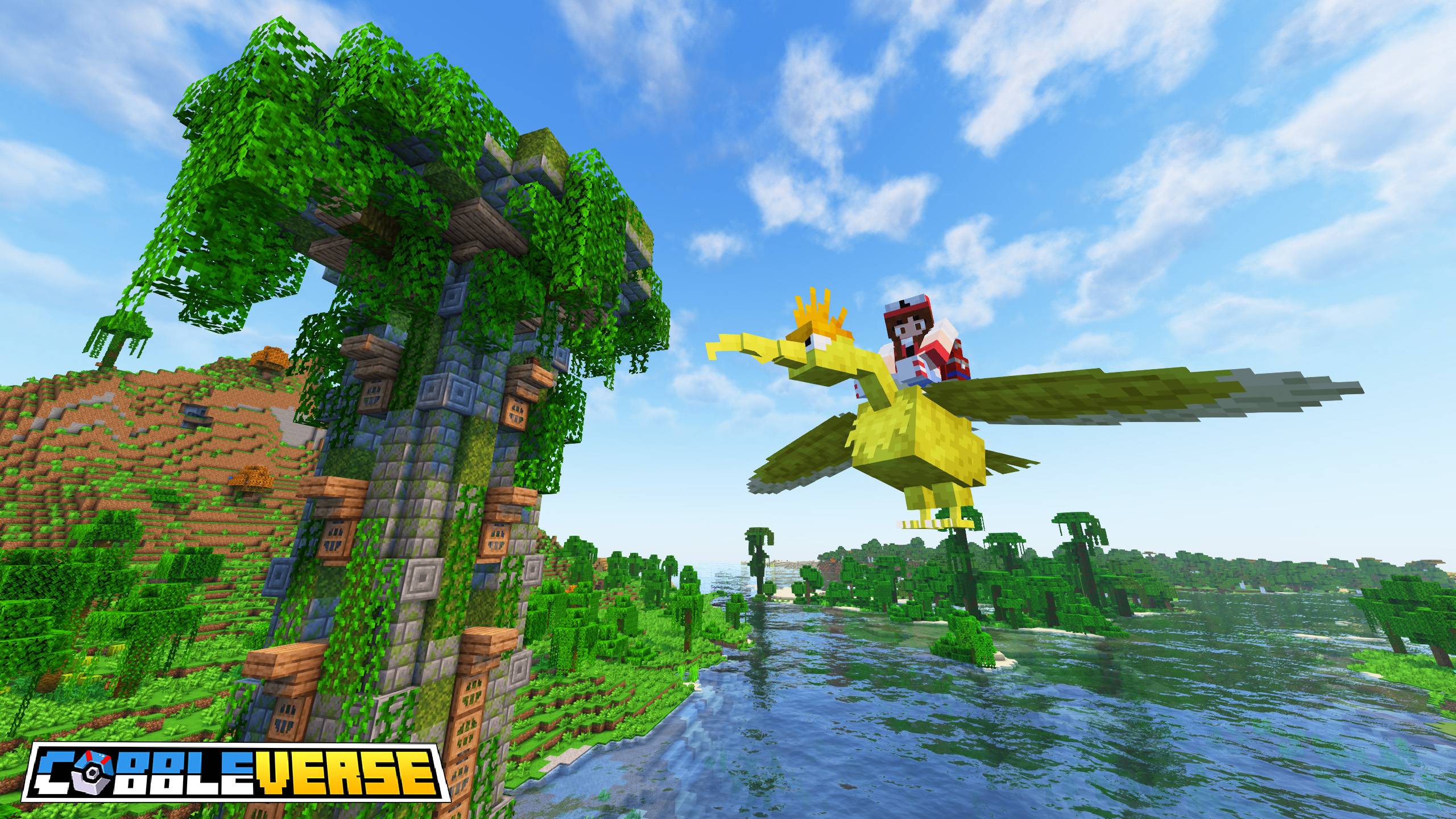
The biggest Cobblemon modpack by a significant margin — and for good reason. All 1,025 Pokémon, all 93 Mega Evolutions, custom gym structures with animated gym leaders, starter kit, Cobblemon-specific shaders, custom music and a full economy system. Everything is pre-configured and balanced. This is the pack that most Cobblemon content creators use and most competitive servers are based on.
The scope is genuinely impressive — the addon team has spent hundreds of hours adding models and animations for every Pokémon not yet in the official mod. If you want the complete Pokémon experience in Minecraft, this is it.

The official modpack made by the Cobblemon development team themselves. Pure Cobblemon, properly configured — no extra addons, no bloat, just the base experience running well. This is always the first to update when a new Cobblemon version drops because the devs update it themselves.
Lighter on RAM than COBBLEVERSE and simpler to understand because there are fewer moving parts. A great starting point if you want to learn the base mod before deciding which addons to add.
Identical to the Fabric official pack in content and quality, but built on NeoForge instead. Choose this if you're already running a NeoForge setup or if you want to use NeoForge-exclusive mods alongside Cobblemon. The same clean, official, well-maintained experience — just a different loader.
NeoForge has a slightly larger ecosystem of compatible mods from the old Forge days, which can be a factor if you're planning to build a custom setup on top of this base.
The most RPG-focused Cobblemon modpack available. Custom dungeons, Pokémon-themed structures scattered through the world, a quest system, unique boss encounters and biome overhauls that make exploration feel like a proper adventure. Built for players who want more than catching Pokémon — they want a world to explore.
Pairs heavily with servers that use custom world generation. If you've been playing standard Cobblemon for a while and want something that changes the feel completely, this is the pack to try.
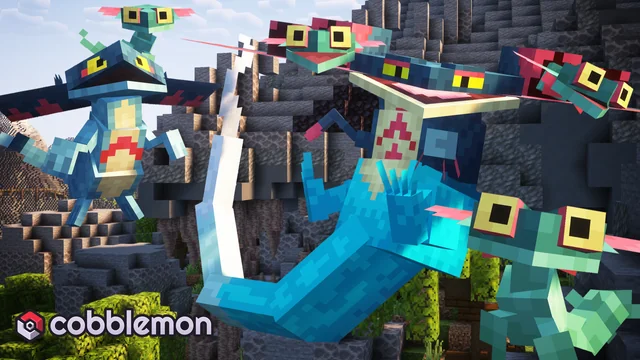
Built specifically for players on lower-end hardware. Runs on 3GB RAM, no shaders, no heavy entity mods, stripped back to the essentials — just Cobblemon, performance mods like Sodium and Lithium, and a few quality of life additions. Achieves 60+ FPS on hardware that struggles with other packs.
This isn't a feature-lite experience for its own sake — the dev team has been careful to include all the quality of life improvements that make Cobblemon actually enjoyable, just without anything that tanks performance.
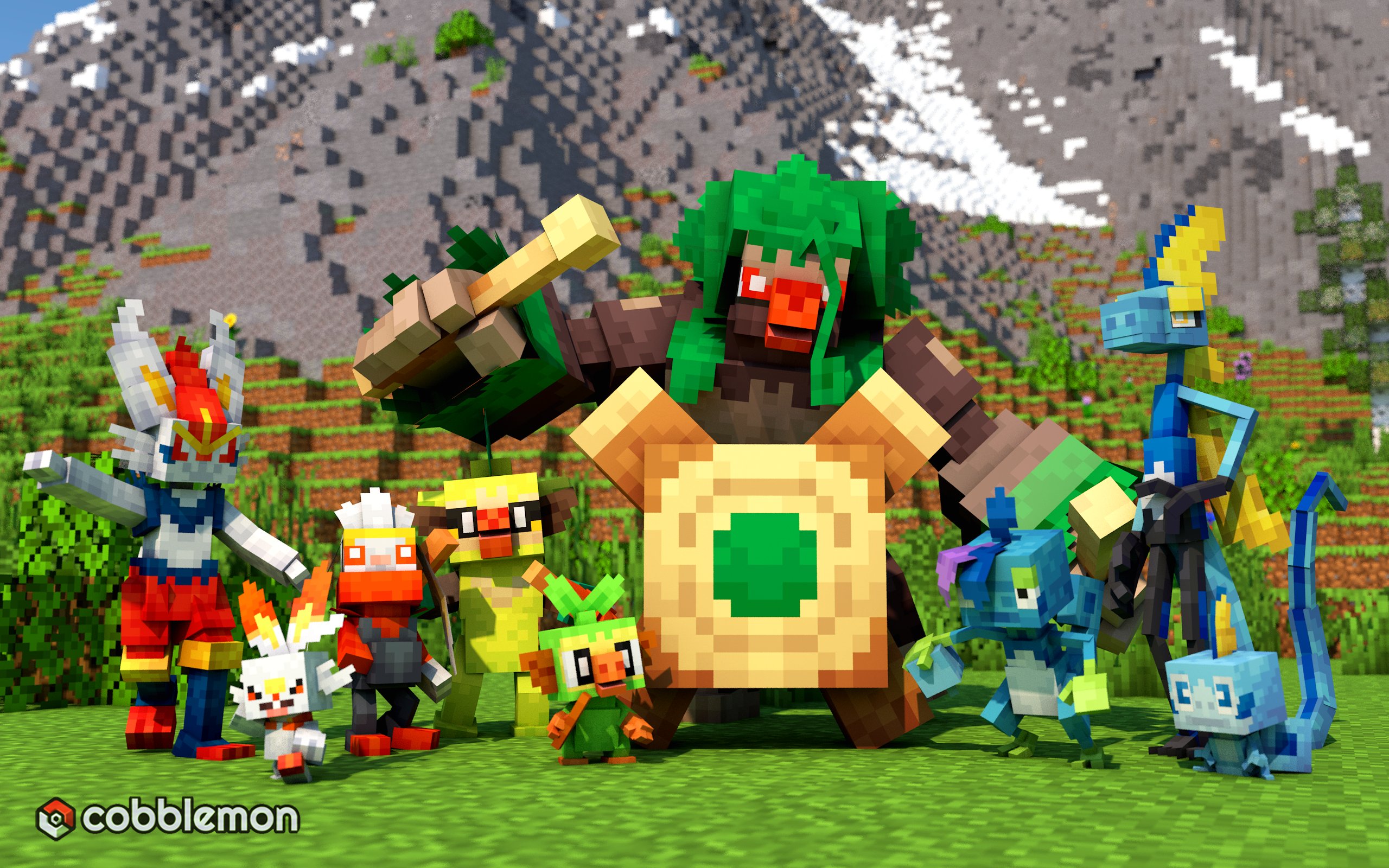
The Goldilocks modpack — not as stripped back as the official pack, not as heavy as COBBLEVERSE. Adds a carefully curated set of quality of life mods that feel like they should have been in the base game: improved UI, better map mods, inventory management, additional biomes that improve Pokémon spawn variety and a handful of addons that improve breeding and team building without overcomplicating the experience.
Good middle ground for players who found the official pack a bit bare but found COBBLEVERSE overwhelming.
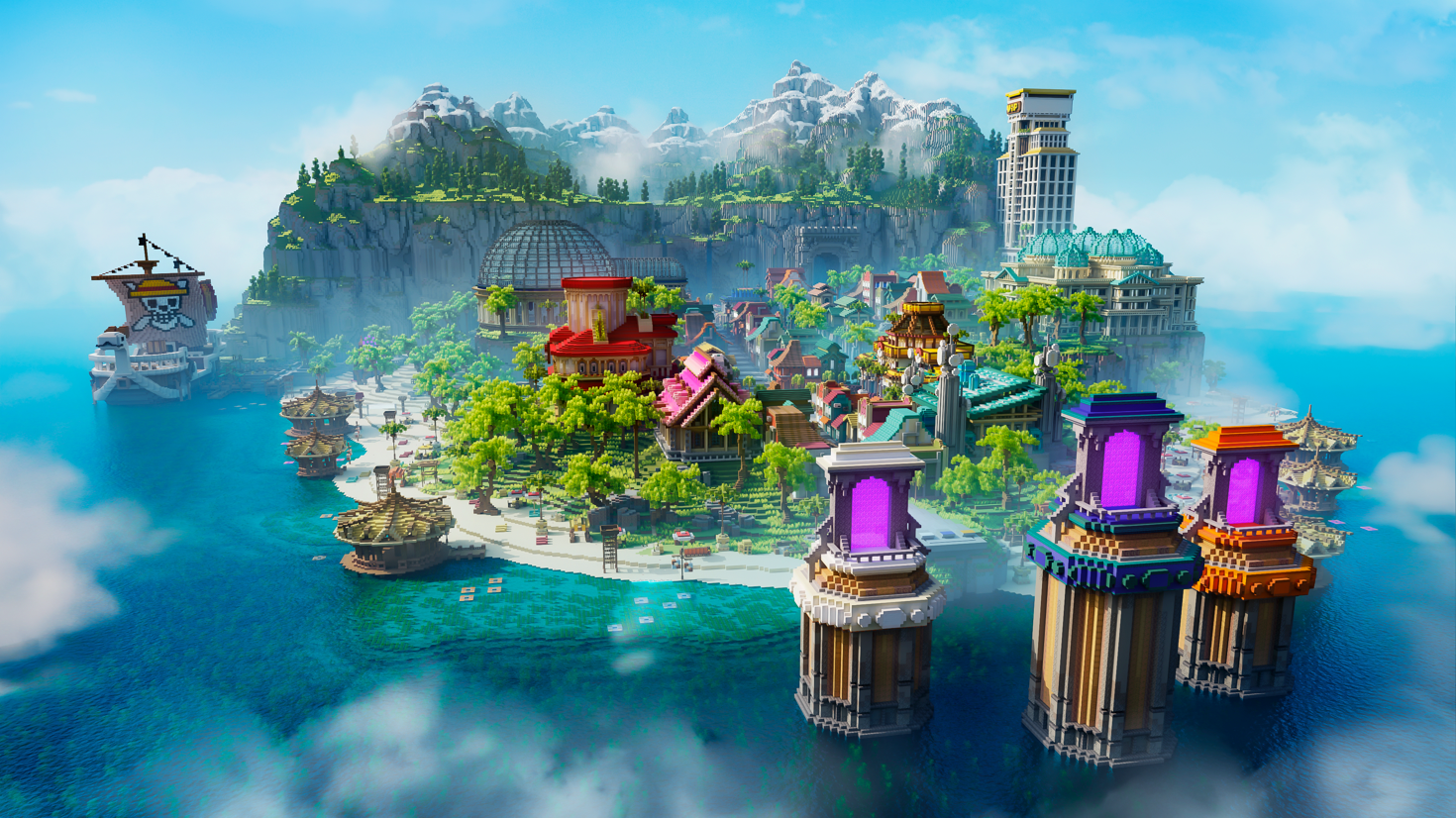
A unique survival twist — the world generates as a chain of islands and archipelagos, making water travel essential and dramatically changing the exploration loop. Each island has its own biome, its own Pokémon ecosystem and its own structures to discover. Water mounts from the rideable Pokémon system become genuinely central to progression rather than optional.
Newer and smaller community than the others, but one of the most creative takes on the Cobblemon experience available.
At a Glance — Feature Comparison
| Modpack | All Pokémon | Mega Evo | Custom Gyms | Min RAM | Loader |
|---|---|---|---|---|---|
| COBBLEVERSE | ✓ 1,025 | ✓ Yes | ✓ Full system | 6GB | Fabric |
| Official Fabric | ~ Current mod | ✗ No | ✗ No | 4GB | Fabric |
| Official NeoForge | ~ Current mod | ✗ No | ✗ No | 4GB | NeoForge |
| Cobblemon Adventures | ~ Current mod | ~ Optional | ✓ + Dungeons | 6GB | Fabric |
| Simply Cobblemon | ~ Current mod | ✗ No | ✗ No | 3GB | Both |
| Cobblemon: Enhanced | ~ Current mod | ✗ No | ✗ No | 4-5GB | Fabric |
| Cobblemon Archipelago | ~ Current mod | ✗ No | ~ Island structures | 5GB | Fabric |
How to Install Any Cobblemon Modpack
All modpacks on this list install through Modrinth or CurseForge in a few clicks. The process is identical for every pack.