✅
What is Cobblemon?
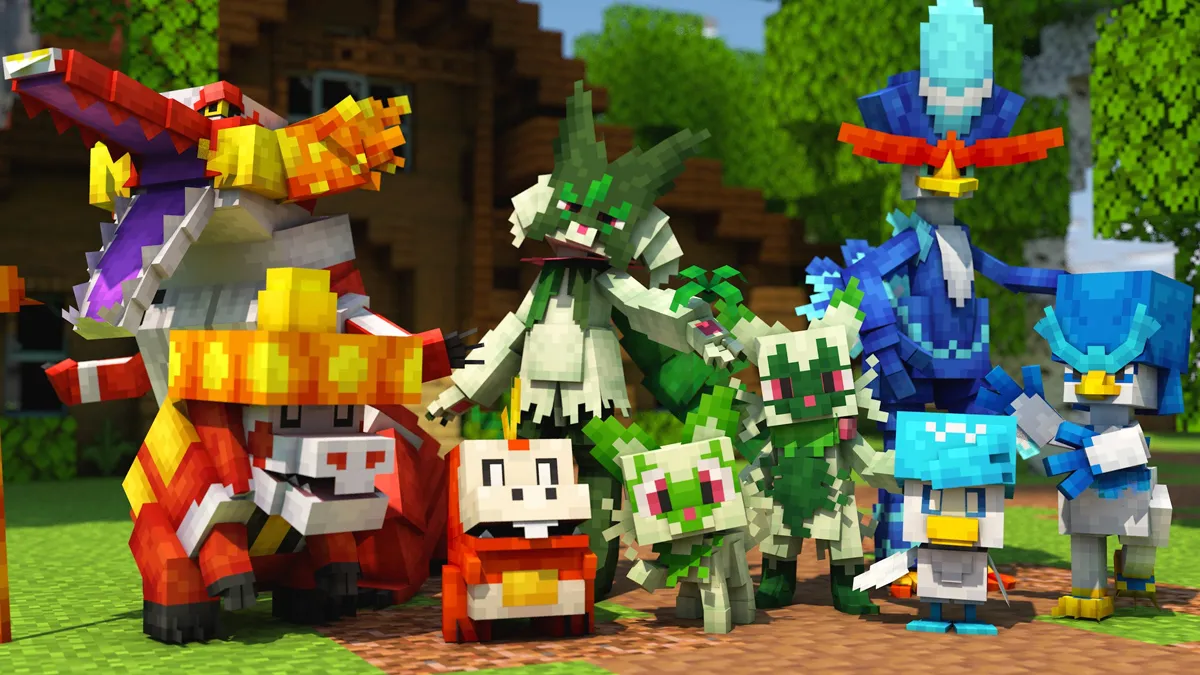
Cobblemon is a free, open-source mod that adds Pokémon to Minecraft Java Edition. Pokémon spawn naturally in biomes, you can catch and battle them, and the whole thing feels like a natural part of the Minecraft world rather than a separate game bolted on top. Over 22 million downloads and counting.
🎮
Free
Cobblemon is completely free to download and play
🐾
700+
Pokémon to catch across all biomes
⏱
5 min
Time to install and get into the game
Step 1 — Install Cobblemon
Before you can play you need Minecraft Java Edition and the Cobblemon mod installed. The easiest way is through the Modrinth launcher — it handles everything automatically in about 5 minutes.
1
Download the Modrinth launcher
Go to modrinth.com/app and download the Modrinth App. It's free and handles mod management automatically.
2
Search for the Cobblemon modpack
Open Modrinth, click Browse, search "Cobblemon" and install the official modpack by CobbledStudios. Pick the Fabric version — it's lighter and the most widely supported.
3
Click Install and launch
Modrinth downloads everything — Minecraft 1.21.1, Fabric, Cobblemon and all required mods. Once it's done, hit Play. The whole process takes about 5 minutes depending on your connection.
💡
Need more detail on installing?
Our full
install guide covers Fabric vs NeoForge, CurseForge as an alternative, RAM allocation and common install errors.
Step 2 — Your First Launch
When Minecraft loads you'll see Cobblemon listed in the bottom-left corner with its version number. That confirms the mod loaded correctly. Create a new world — don't load an old one from before you had Cobblemon installed.
Once you're in the world, walk around for a minute or two. You should start seeing Pokémon spawning naturally in the environment — birds flying overhead, small Pokémon rustling in the grass, water types near rivers. If you see them, everything is working.
⚠️
No Pokémon spawning?
Cobblemon spawns take a minute or two to populate. If after 5 minutes of walking you still see nothing, check that Cobblemon appears in the Mods list on the main menu. If it doesn't, the install didn't complete — reinstall the modpack.
Step 3 — Choose Your Starter
In vanilla Cobblemon you don't get a starter Pokémon automatically — you have to catch your first one in the wild. However, most servers and modpacks give you a starter kit or a starter selection screen when you first join.
If you're playing singleplayer without a starter system, just walk around a plains or forest biome and catch whichever Pokémon you find first. Any Pokémon can be your starter — there are no restrictions.
If you're on a server that gives you a starter choice, here's a quick guide to the classic Gen 1 trio:

Bulbasaur
Grass / Poison
Defensive, versatile, great for new players. Has both offensive and support moves.
Easiest

Charmander
Fire
High damage output once evolved. Takes more skill to use early on but very rewarding.
Intermediate

Squirtle
Water
Great defensive typing, learns a solid moveset early. Reliable all-rounder.
Recommended
Step 4 — How to Catch Pokémon
Walk up to a wild Pokémon to start a battle. Once in battle, weaken it first — the lower its HP, the higher the catch rate. Then throw a Pokéball by selecting it and using it like any item.
1
Craft Pokéballs
You'll need Pokéballs before you can catch anything. Craft them using apricorns — found on apricorn trees scattered around the world. Different coloured apricorns make different types of Pokéballs. A standard Pokéball requires one apricorn and one stone button.
2
Walk into a wild Pokémon to start a battle
Approach a wild Pokémon and interact with it to begin. The battle UI will open. You can also press the battle key while looking at a nearby Pokémon.
3
Weaken it, then throw a Pokéball
Use moves to reduce its HP — the yellow/red HP range is ideal. Then select your Pokéball from your hotbar and right-click to throw it. Three shakes and a click means you caught it.
💡
Status conditions increase catch rate
Putting a Pokémon to Sleep or Paralyzing it significantly increases catch rate — just like in the mainline games. Moves like Spore, Sleep Powder and Thunder Wave are invaluable for catching rare Pokémon.
Step 5 — Key Items to Know
These are the items you'll interact with most in early Cobblemon. Learn what each does and where to find them.
🔴
Pokéball
Crafted from apricorns. Used to catch wild Pokémon. Different types (Great Ball, Ultra Ball) have higher catch rates. Craft these first — you'll need a lot of them.
💊
Potion / Max Potion
Restores HP to your Pokémon. Craftable or found in dungeon chests. Use these during battles when you're far from a healer. Essential for long exploration sessions.
📖
Pokédex
Records every Pokémon you've seen and caught. Tracks your completion progress. Also accessible via the /pokedex command without needing the item.
🖥️
PC (Pokémon Computer)
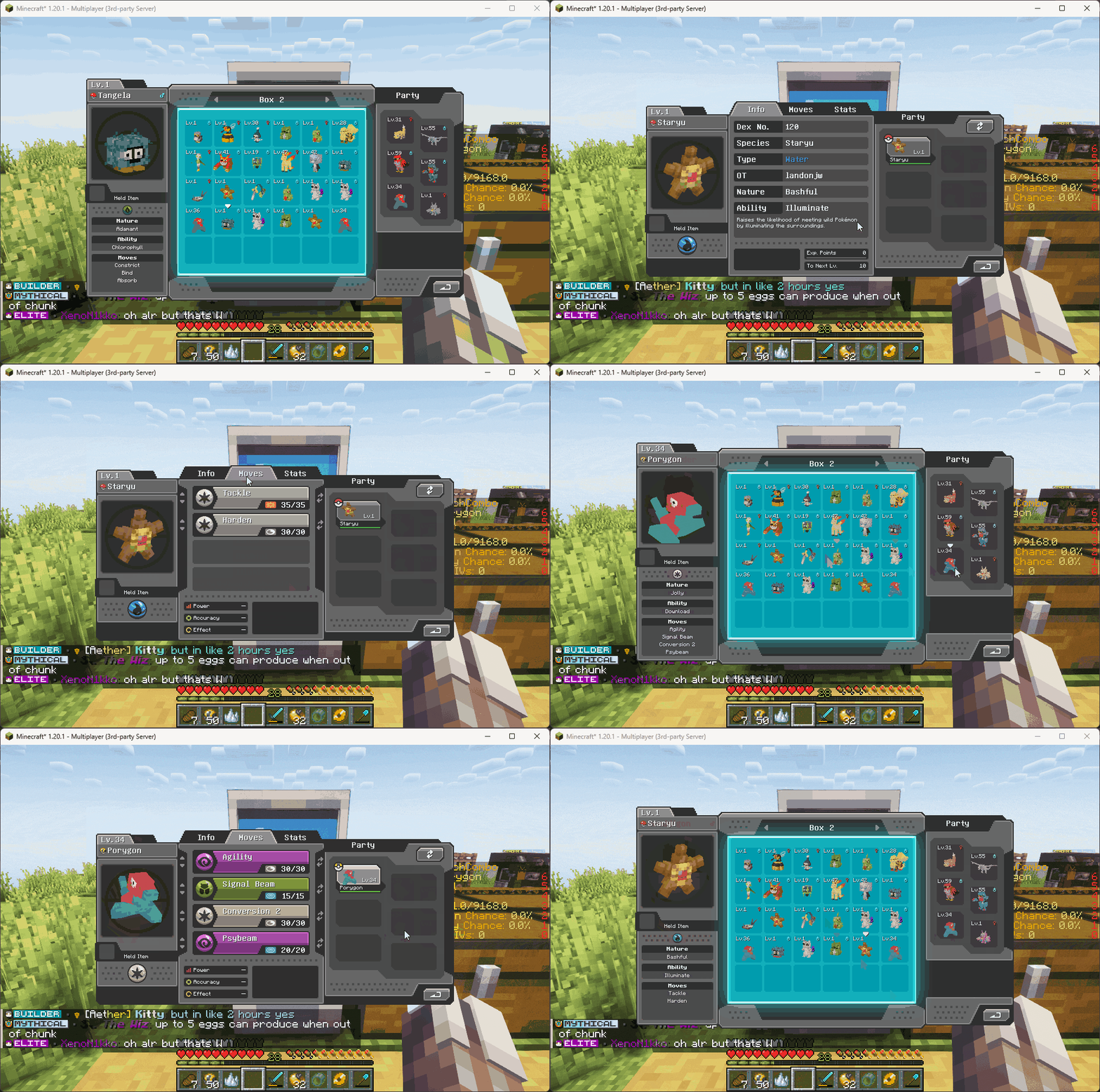
Craftable block that lets you store Pokémon beyond your 6-party limit. Access it anywhere with the /pc command. You'll need this quickly — you only have 6 party slots.
🏥
Healing Machine (Healer)
A craftable block that fully restores all Pokémon in your party. Place one near your base and use it after every tough encounter. The Cobblemon equivalent of a Pokémon Centre.
🌱
Apricorns
Found on apricorn trees throughout the world. Used to craft Pokéballs. Plant them like saplings to grow your own supply. Different colours make different ball types — red makes standard Pokéballs.
Step 6 — How Battles Work
Cobblemon uses the Pokémon Showdown battle engine — which means battles are mechanically accurate to the mainline Pokémon games. Turn-based, four moves per Pokémon, type matchups, abilities, held items — all the mechanics you'd expect.
A few things unique to Cobblemon compared to the main games:
🏃
Free movement during battles
You can toggle free movement during a battle — keep mining, building or moving around in Minecraft while the battle plays out. Toggle this in the battle UI.
🚶
Physically run from battles
Instead of using a "Run" button, you can physically walk away from a wild Pokémon encounter to flee. Inspired by Pokémon Legends: Arceus.
✨
Choose when to evolve
When a Pokémon reaches evolution level, it won't evolve automatically — you decide when and if to evolve it. This lets you learn moves that only the pre-evolution learns.
Day One Checklist
Here's everything to tick off on your first session. None of these take long but they set you up properly for everything that follows.
✓
Installed Cobblemon and confirmed Pokémon are spawning in the world✓
Crafted at least 10 Pokéballs from apricorns✓
Caught your first Pokémon and won your first battle✓
Built a Healer block near your base✓
Built a PC to store overflow Pokémon✓
Opened your Pokédex and checked what you've seen so far✓
Explored at least two different biomes✓
Put a full party of 6 Pokémon together
What to Do After Day One
Once you've got the basics down there are several directions you can take your Cobblemon experience. Here's what most players focus on next:
🗺️
Explore more biomes
Different biomes have completely different Pokémon. Desert, ocean, cave, snow and jungle biomes all have exclusives you won't find in the forest or plains. The
spawn guide shows you exactly what's in each biome.
🌐
Join a multiplayer server
Singleplayer is great but servers add gyms, competitive battles, trading and a community. Check our
server guide for the best ones to join.
⭐
Hunt for shinies
Shiny Pokémon have alternative colour schemes and are incredibly rare. Once you have a solid party, shiny hunting is one of the most addictive long-term goals in Cobblemon.
🥚
Start breeding for a competitive team
If you want to get into competitive battles, breeding for perfect IVs and the right natures is the path. Our
breeding guide covers the whole process.
Where to Go From Here